
CCTV Installation
Plan camera coverage around entrances, blind spots and the details you need to capture.
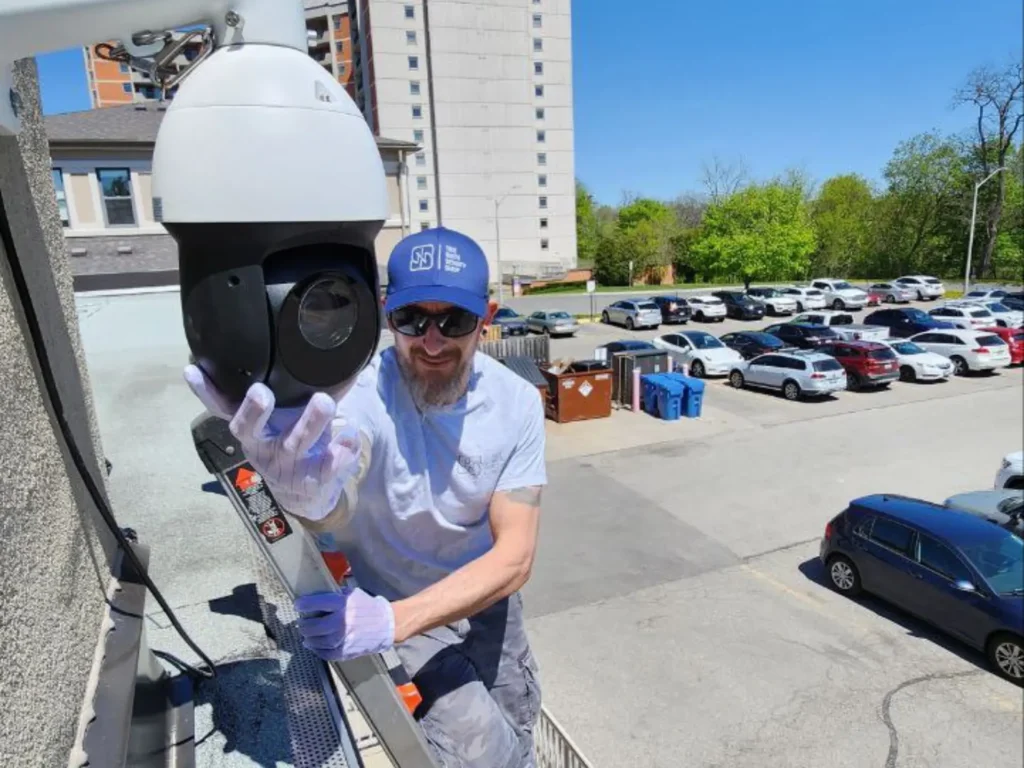
A camera system does more than record a continuous view of a property. Depending on the equipment and software selected, modern CCTV can add communication, active deterrence, intelligent event detection, low-light imaging and secure access to footage from another location.
These capabilities are not universal. The right functions depend on what you need the cameras to accomplish, the conditions at the property and the features supported by the selected hardware and software.
Selected cameras let authorized users hear and speak through the device, supporting communication when the feature is required.
Compatible cameras can trigger audible warnings from motion, sound or analytics events, helping draw attention to defined activity.
Built-in or connected LEDs can activate on selected events, adding visible deterrence and improving awareness around protected areas.
Authorized users can securely view cameras and recordings from supported apps without using a professional live monitoring service.
Machine-learning analytics can classify people, vehicles and objects, making event searches and rule-based alerts more precise and relevant.
Low-light technology can preserve colour in dark scenes, while supplemental white light supports colour when illumination becomes insufficient.
Two-way audio, sound detection, sirens, warning lights and analytics may be built into a camera or provided through compatible connected devices. AI capabilities also vary: person and vehicle classification are increasingly common, while licence plate recognition, facial recognition, object tracking and specialized analytics may require particular cameras, software or licensing.
The same applies to night imaging. Some cameras can retain useful colour information in very low light, but this should not be interpreted as every camera producing full-colour video in complete darkness. Infrared normally produces monochrome images when visible light is insufficient, while some systems use supplemental white light when colour information is required.
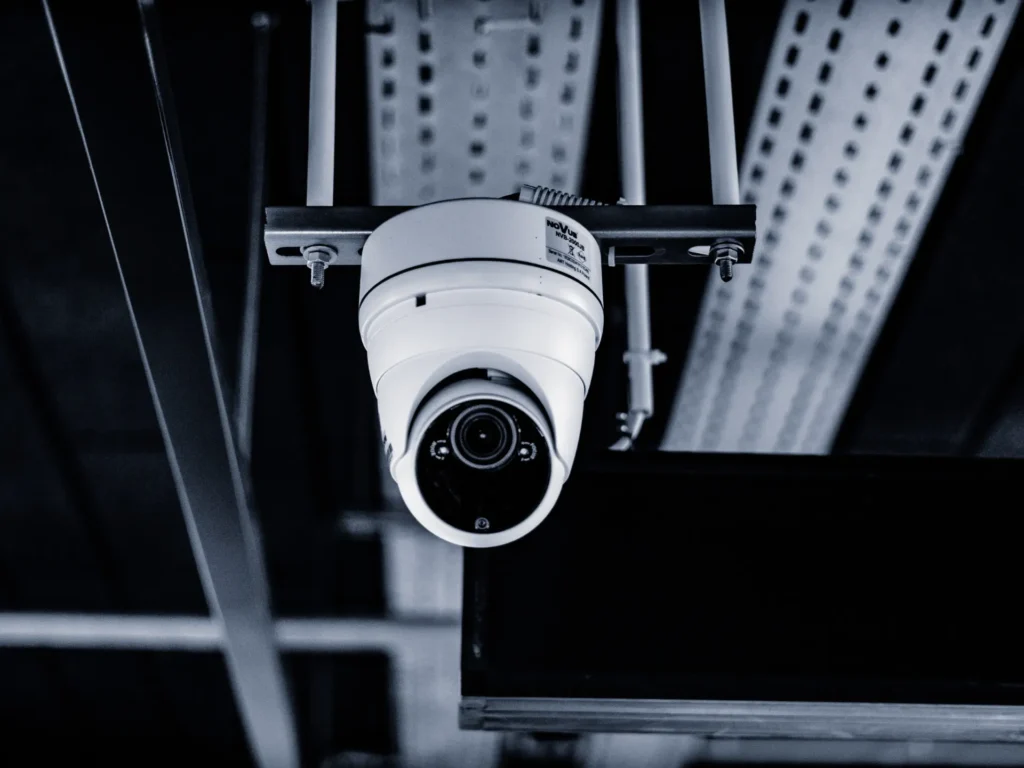
In a modern IP-based system, each camera is a network device. It captures the scene, processes and compresses the video, sends the data through the network and makes recordings available through an NVR, server, supported cloud platform or other configured storage.
The recording architecture can vary, but the basic path remains similar: capture, process, store and retrieve. Power over Ethernet can also carry network data and power through one Ethernet connection on compatible equipment.
The number printed on a camera specification sheet does not tell you whether the resulting footage will be useful. A wide view of a parking area, identification at an entrance, coverage of a cash register and observation of a long driveway require different lenses, viewing angles and image detail.
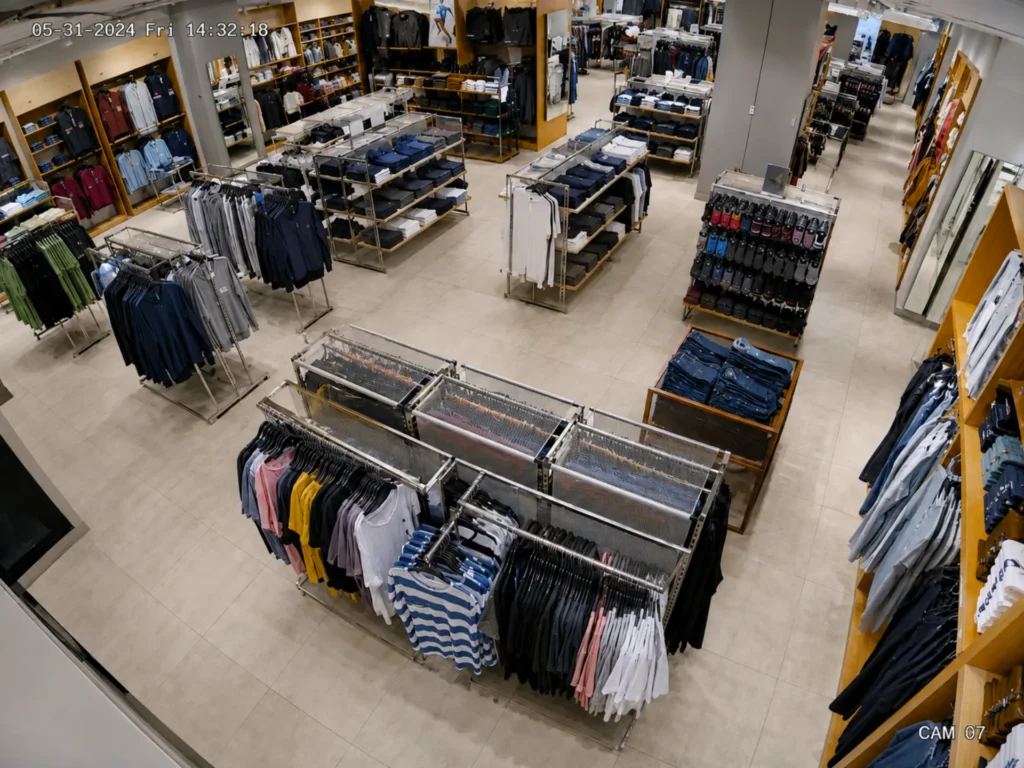
The design should therefore begin with the result required from each location. Camera type, resolution and features follow from that decision rather than the other way around.
CCTV can operate independently for viewing, recording and investigation. It can also exchange information with other compatible security technologies so that a door event, alarm or intercom call can be connected with the relevant camera view.
This does not turn CCTV into Live Video Monitoring. Remote camera access means an authorized user chooses when to open the system. Live Video Monitoring is a separate service layer in which camera feeds or defined events are handled through a professional monitoring workflow.
Interoperability depends on the exact products and functions involved. ONVIF standards can support video, events, bidirectional audio and analytics metadata between conformant devices and software, but compatibility still needs to be checked at feature level.
Camera specifications tell only part of the story. Installation method, privacy requirements, existing infrastructure, system compatibility and the intended use of recorded footage can all affect the final design.
For a permanent multi-camera system, wired IP cameras are often preferred because a stable Ethernet connection can carry both data and power through Power over Ethernet. This reduces dependence on Wi-Fi coverage and provides a predictable connection for continuous recording.
Wireless cameras can still make sense where running data cable is difficult or where only limited coverage is required. “Wireless” also does not necessarily mean wire-free because most permanently installed cameras still need a power source. The decision should be based on reliability, available infrastructure, installation constraints and the amount of video traffic the system must carry.
There is no single answer that applies to every property or organization. Camera use can involve privacy obligations because recorded images of identifiable people are personal information, and businesses should have a reasonable purpose for collecting that footage, limit unnecessary collection and control who can access it.
Clear notice that video surveillance is in use is also an important requirement under Canadian privacy guidance. Additional considerations can arise with leased premises, common areas, employee surveillance or audio recording, so the intended use and location of the cameras should be reviewed before installation.
You do not necessarily need a full Commercial Security Audit before every CCTV installation. A camera project should, however, include a site review so coverage objectives, lighting, mounting locations, cabling routes, recording requirements and existing infrastructure can be understood before equipment is selected.
A formal security audit is broader. It makes sense when you need to evaluate the property’s overall security condition, identify vulnerabilities or decide whether cameras, access control, alarms and other technologies should be changed as part of a larger plan.
It can. A new IP camera installation commonly requires network cabling between cameras and the appropriate network equipment, although the exact scope depends on the property and existing infrastructure. TNSG also considers cabling, switches, routers and network requirements when planning CCTV installations.
Existing cabling does not always need to be discarded. Suitable Ethernet infrastructure may be reused, and in some upgrades existing coaxial cable can support migration to IP cameras with appropriate PoE-over-coax equipment. The condition, length, type and performance of existing cable should be checked before it is incorporated into the new system.
In the CCTV industry, “NDAA compliant” usually refers to equipment selected so it does not fall within the covered telecommunications and video surveillance equipment restrictions associated with Section 889 of the U.S. National Defense Authorization Act and related Federal Acquisition Regulation provisions.
Those rules identify certain manufacturers and their subsidiaries or affiliates, including Hikvision and Dahua, within the covered equipment definitions for specified U.S. federal procurement purposes.
NDAA compliance is therefore not a Canadian CCTV licence, a general safety certification or proof that one camera is more secure than another. It becomes relevant when a client’s procurement policy, U.S. government relationship, contract or internal standard requires equipment that meets those restrictions.
CCTV itself does not stop a fire, detect every leak or replace dedicated fire, smoke, heat or water detection equipment. Its primary role is visual coverage and recorded evidence.
Cameras can still provide useful visual information before, during or after an incident, and compatible systems may associate footage with events generated by other sensors. If early detection of fire or water is a requirement, dedicated life-safety or environmental detection equipment should be selected for that purpose rather than relying on ordinary security cameras.
In CCTV systems, simple video motion detection reacts to changes within an image rather than understanding every object in the scene. Moving shadows, headlights, vegetation, rain, snow, insects near the lens, vibration and changing light can therefore produce unwanted alerts. Axis documentation also identifies combinations such as headlights with heavy rain, insects and strong shadows as possible causes of false detections.
Object-based analytics can reduce many of these alerts by distinguishing people or vehicles from ordinary background movement. Correct camera position, detection zones, object filters and sensitivity settings remain important because analytics can reduce false alarms but cannot make every environment error-free.
Often, yes, but integration should be confirmed for the exact camera, recorder and software platform rather than assumed from the brand names alone. Many IP video products support ONVIF profiles or manufacturer APIs that allow compatible third-party systems to receive video, events, metadata or other supported functions.
ONVIF Profile T covers functions including advanced video streaming, events and bidirectional audio, while Profile M addresses analytics metadata and events. A product supporting basic video streaming does not automatically guarantee that every advanced feature, such as analytics, audio, edge storage or device configuration, will work in third-party software.
Security technologies are often more effective when they work together. Depending on the property and the risks involved, this solution may be combined with other systems.
A single technology may address one part of a security challenge, but effective protection often depends on how different systems, property conditions and operational needs work together. Explore our comprehensive security services for a broader approach to planning, improving or evaluating your property.
Tell us about the property, your current concerns and what you would like to improve. Our team will review the details and help determine the most appropriate next step, whether you need a new system, an upgrade or a professional assessment.
For technical support with an existing TNSG system, please visit our Help Center.