
CCTV Installation
Plan camera coverage around entrances, blind spots and the details you need to capture.
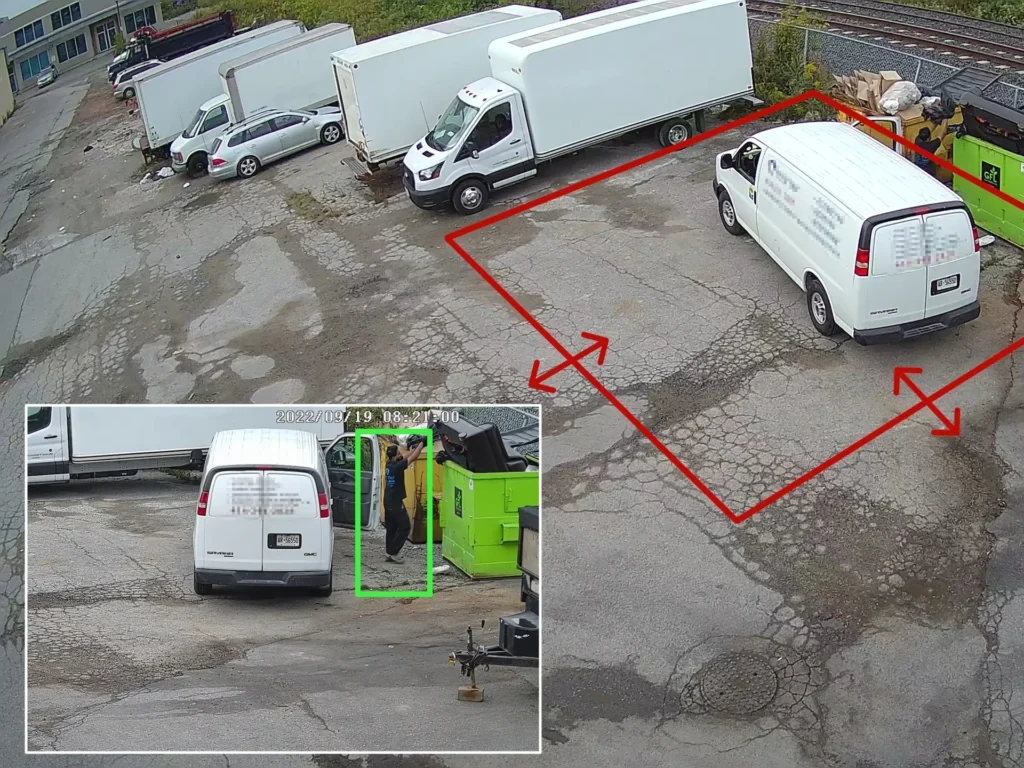
Recording video and actively monitoring it are two different functions. Live video monitoring adds an active layer between the camera feed and the response to what is happening on your property.
Depending on your monitoring plan, trained operators can watch selected live feeds continuously or during defined periods. AI analytics can also analyze video in real time and bring specific events forward when configured conditions are met. The two approaches can work independently or together, giving you a monitoring strategy that reflects the actual risk, operating hours and activity around your property.
The monitoring process starts by securely connecting the required video streams to the monitoring platform and defining how those streams should be handled. That does not necessarily mean every camera is watched by an operator every second. Some feeds may receive continuous or scheduled live operator coverage. Others may rely primarily on AI analytics that detect a person, vehicle or defined behaviour and bring the relevant video to attention. Higher-risk areas can combine both approaches.
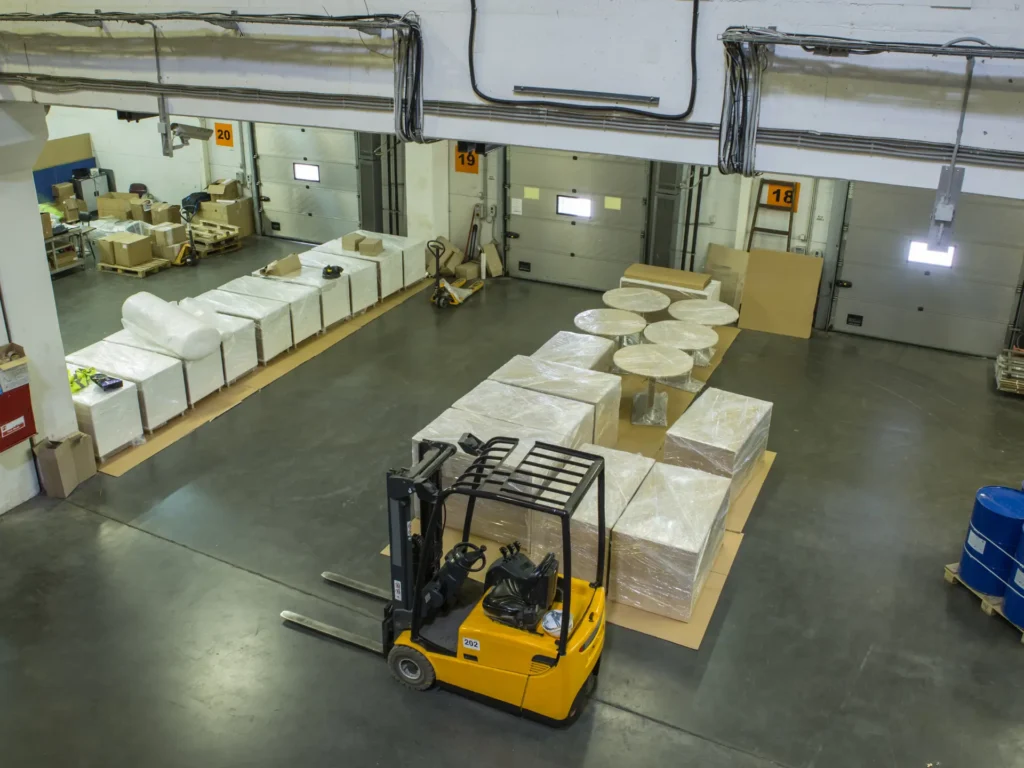
There is no single monitoring configuration that makes sense for every property. A house that mainly needs overnight perimeter awareness, a warehouse with scheduled deliveries and a construction site with changing access patterns require different monitoring logic.
The important question is not how many monitoring features can be switched on. It is which camera feeds need active attention, when they need it, what activity should be treated as meaningful and what should happen after that activity is detected.
TNSG designs the monitoring layer around those decisions, including operator coverage, AI analytics, communication reliability and the response options available at the property.
Coverage may run continuously, overnight, after closing or during selected periods, depending on when oversight is actually needed.
Escalation rules define who is contacted, what operators can do and when an incident should reach another responder.
AI rules should reflect site behaviour, using relevant zones, object classes, schedules and thresholds instead of generic motion.
The monitoring platform must communicate properly with alarms, speakers, gates or other devices used during verification or response.
Reliable upload capacity, stability and backup connectivity determine whether live streams and event data remain available when needed.
Normal deliveries, residents, employees, visitors and after-hours movement should be understood before monitoring rules are finalized for the property.
Protect your property with professional event-based video monitoring, without the cost of continuous operator surveillance.
Plans are available for 6 to 12 compatible cameras, including new or existing systems. Monthly pricing depends on the number of cameras and monitoring requirements.
*Starting price for event-based monitoring. Final monthly fees depend on the number of cameras and service configuration. Hardware, including cameras or network equipment where required, is not included.
Live video monitoring does not replace video surveillance, alarms, access control or physical security measures. Its purpose is different: it adds observation, analysis, verification and response to the information those systems produce.
A camera system supplies the video. Live monitoring makes that video operational in real time. Alarm and access control events can provide additional context, while speakers, lights, sirens or response personnel can provide ways to act when a situation has been verified.
The result can be a connected workflow in which detection, visual confirmation and response support one another instead of operating as separate security functions.
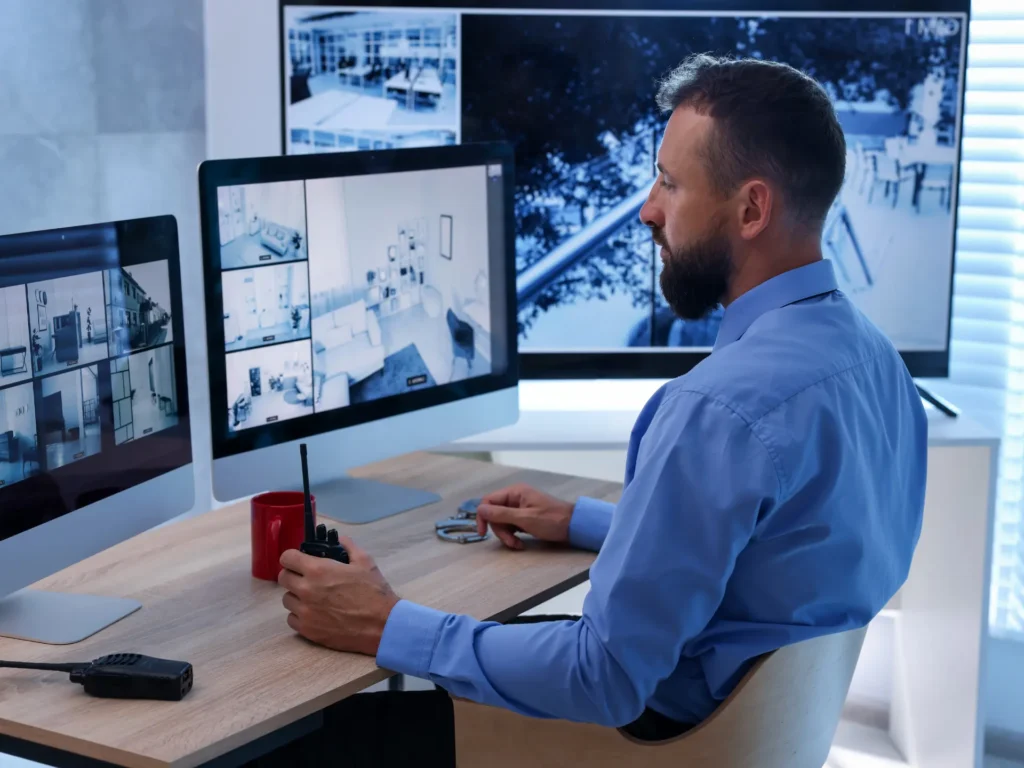
The effectiveness of remote video monitoring depends on much more than whether live video can be opened on a screen. The monitoring model, analytics, connectivity, operator procedures, system compatibility and data controls all affect how the technology performs in practice.
Yes. In many systems, combining the two approaches is more practical than choosing one for the entire property.
For example, selected entrances or high-risk areas may receive live operator coverage during certain hours, while AI analytics monitor additional areas for predefined events. AI can also help direct operator attention toward activity that deserves closer review. The monitoring model can therefore vary by camera, area, schedule and risk level.
Not necessarily. Remote monitoring can often work with existing cameras when the equipment and video management platform provide compatible video streams, sufficient image quality and the required integration options.
Compatibility should still be checked before the monitoring service is designed. Older cameras may provide usable live video but lack the processing capability needed for newer AI analytics, while some proprietary systems limit third-party connections. In those cases, individual components can often be upgraded without replacing the complete surveillance system.
UL Solutions has a specific certification category for managed video monitoring services. The standard covers monitoring facilities that receive video from protected properties and use trained staff to assess situations, interact with people or systems and follow agreed monitoring procedures.
Certification examines the facility, equipment and service operation, and UL conducts ongoing audits of listed monitoring stations. This is different from simply describing a room with screens as a monitoring centre. For clients using operator-assisted remote video monitoring, the monitoring environment itself is part of the reliability of the service.
Yes, provided there is a reliable communication path with enough bandwidth for the required video streams. Depending on the site, connectivity can be provided through wired internet, fibre, fixed wireless or cellular connections such as LTE or 5G.
The required bandwidth depends on factors including the number of streams, video resolution, frame rate, compression and how frequently video needs to reach the monitoring platform. Remote construction sites and temporary locations therefore require network planning as part of the monitoring design rather than simply adding a cellular modem after installation.
Operator-assisted monitoring should be based on defined procedures rather than individual judgment alone. Before monitoring begins, the required response can be documented through Standard Operating Procedures or another agreed response matrix.
Instructions may identify authorized contacts, monitored schedules, areas requiring attention and permitted actions for different situations. They can also establish when an operator should use audio, contact property staff, notify a guard service or escalate an incident. Procedures should be updated when property use, personnel or security requirements change.
The effect depends on how the local system and communication path are designed. A local recorder may continue recording during an internet outage even though remote live monitoring becomes temporarily unavailable.
Backup power can keep cameras, recorders and network equipment operating during shorter electrical interruptions. Cellular failover or another secondary connection can provide communication redundancy where uninterrupted remote monitoring is particularly important. These protections need to be designed into the system because live monitoring cannot receive video that the property cannot transmit.
Live viewing still involves personal information even when footage is not permanently recorded. Organizations should therefore determine why monitoring is necessary, limit collection to relevant areas, control who can access video and establish appropriate retention and security procedures.
The Office of the Privacy Commissioner of Canada also recommends minimizing unnecessary surveillance and limiting camera views to what is required for the identified purpose. Audio monitoring requires additional consideration and should not simply be enabled because the equipment supports it.
TNSG can configure technical controls such as user permissions, camera views and recording settings, while the organization operating the system remains responsible for its applicable privacy obligations.
Not automatically. Standard live video monitoring may provide live viewing, object detection and video verification without identifying a specific person or reading a vehicle plate.
Licence plate recognition requires suitable cameras, viewing geometry and dedicated LPR or ANPR analytics. Facial recognition also requires specific compatible technology and introduces additional privacy considerations. These capabilities should therefore be treated as separate system functions rather than assumed to be included whenever AI video analytics are used.
Security technologies are often more effective when they work together. Depending on the property and the risks involved, this solution may be combined with other systems.
A single technology may address one part of a security challenge, but effective protection often depends on how different systems, property conditions and operational needs work together. Explore our comprehensive security services for a broader approach to planning, improving or evaluating your property.
Tell us about the property, your current concerns and what you would like to improve. Our team will review the details and help determine the most appropriate next step, whether you need a new system, an upgrade or a professional assessment.
For technical support with an existing TNSG system, please visit our Help Center.