
CCTV Installation
Plan camera coverage around entrances, blind spots and the details you need to capture.
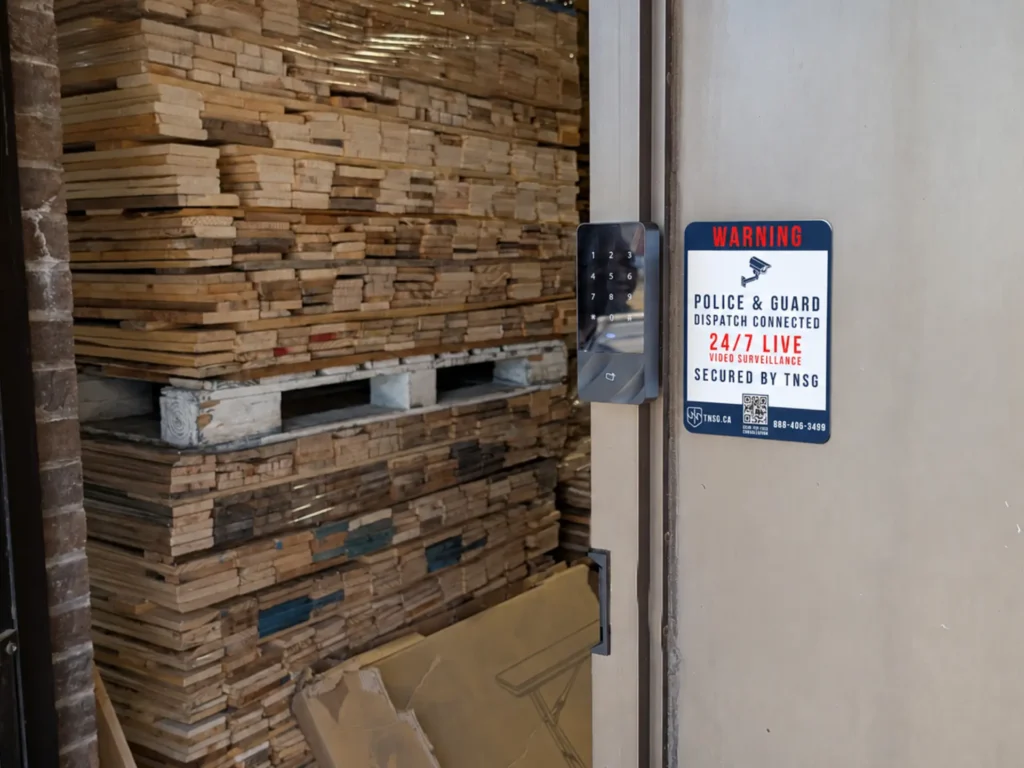
There is no single monitoring configuration that makes sense for every property. A house that mainly needs overnight perimeter awareness, a warehouse with scheduled deliveries and a construction site with changing access patterns require different monitoring logic.
An electronic access control system replaces shared keys with specific permissions that can be assigned to individual users. You decide who should enter, where they can go and when that access should apply, while the system handles those rules consistently across the property.
Assign each person only the areas they need, then change or remove access without replacing locks or issuing keys.
Apply different rules to entrances, gates, elevators and restricted areas according to how each part of the property is used.
Allow entry during defined hours, shifts, weekdays or temporary periods instead of leaving permissions active around the clock.
Use cards, fobs, PINs, smartphones or supported biometric readers according to the required security level and daily workflow.
Give guests, contractors and service providers temporary access without sharing permanent staff credentials or handing out physical keys.
Keep time-stamped records of granted, denied and unusual access events for administration, incident review and follow-up when needed.
When you present a card, fob, PIN, smartphone or other credential, the reader sends that information to the access controller. The controller checks it against the permissions and schedules stored in the system, then signals the locking hardware when access is authorized. Door contacts, request-to-exit devices and other inputs can report what happens after that decision and create the corresponding event record.
The technology is straightforward in principle, but the correct access control installation depends on much more than choosing a reader. The door itself, locking hardware, security requirements, power, cabling, network architecture and management platform all affect how the system should be designed.
A door event tells you that a credential was presented, accepted or denied, but other security technologies can explain what was happening around that event. When compatible systems share information, entry activity can become part of a broader response rather than remaining an isolated log inside one platform.
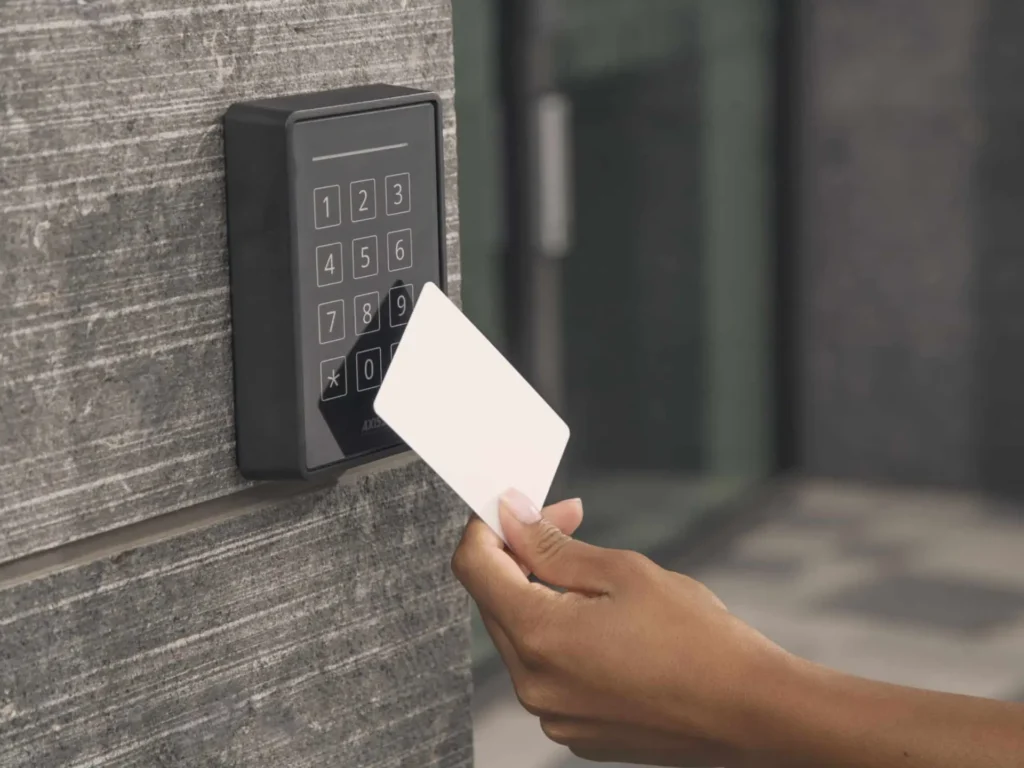
The right system depends on the doors, users, security level and infrastructure behind them. These questions cover several details that become important when you are comparing access control systems, planning an upgrade or trying to understand why two installations can work very differently.
Often, yes. Existing readers, electronic locks, controllers, power supplies and cabling may still be useful if they are reliable, supported and compatible with the proposed platform.
The important question is not simply how old the equipment is. Credential technology, communication protocols, firmware support, available capacity and the condition of the door hardware all matter. A proper assessment can separate components worth retaining from legacy equipment that would limit security, reliability or future expansion.
It depends on the locking hardware and how each door has been designed. Some locks are fail-safe, meaning they unlock when power is removed, while fail-secure hardware remains secured from the controlled side when power is lost; the required method of egress still has to be maintained.
Controllers and other access control equipment can also be supported by batteries or building emergency power for a defined period. This is why backup power and lock behaviour should be planned door by door rather than applying one configuration throughout the entire property.
Not necessarily. Many modern systems store access rules locally at the controller, allowing the door to continue making decisions even when its connection to the cloud is temporarily unavailable.
What may be interrupted is remote administration, live synchronization, notifications or other cloud-dependent functions until connectivity returns. Offline behaviour varies by platform, so it should be confirmed during system selection rather than assumed simply because a product is described as cloud-based.
An access-controlled door cannot be designed only around keeping people out; safe exit from the building is equally important. The type of locking hardware, door location, use of electromagnetic locks and connection with other life-safety systems can all affect the required configuration.
Ontario’s Building Code and Fire Code contain requirements governing locking and egress, so the correct arrangement depends on the specific opening and occupancy. For this reason, an electric strike, maglock or other lock should not be selected solely because it is convenient to install.
OSDP, or Open Supervised Device Protocol, is a communication standard used between access control readers and controllers. It provides bidirectional communication and device supervision, and OSDP Secure Channel can encrypt communication between compatible devices.
This is a significant improvement over traditional Wiegand communication, which does not provide the same encrypted reader-to-controller link. Wiegand equipment does not automatically need to be removed from every existing system, but protocol security is worth considering when planning new installations or upgrading higher-risk access points.
Not automatically. Fingerprint, facial or other biometric authentication can be useful where the system needs stronger assurance that the credential belongs to the person presenting it, but that benefit has to justify the additional privacy considerations.
Biometric information is sensitive because it is closely connected to the individual and cannot simply be replaced like a lost card or changed like a PIN. Before choosing biometrics, you should consider whether the same objective can be achieved with an encrypted credential, mobile access or multi-factor authentication using less sensitive information. Collection, storage, access and retention of biometric data should also be addressed as part of the system design.
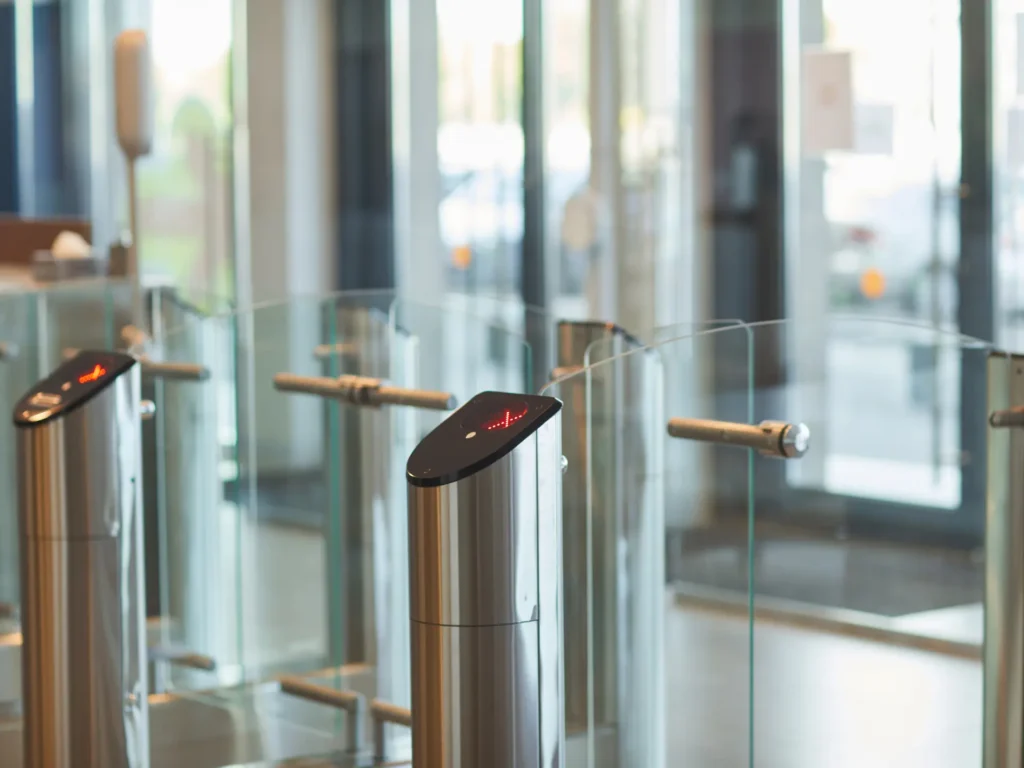
Access control can reduce those risks, but a standard reader and locked door cannot eliminate them by themselves. Features such as anti-passback, card-and-PIN authentication, mobile credentials, turnstiles or other controlled-entry hardware can make credential sharing more difficult.
Tailgating is different because an unauthorized person may simply follow an authorized user through an already-open door. Depending on the risk, that problem may require door monitoring, video, physical entry controls or operational procedures in addition to the access control system.
There is no useful universal retention period for every property. The appropriate period depends on why the records are being collected, how they are used for administration or investigations, and any legal, contractual or organizational requirements that apply to the property.
Keeping data indefinitely simply because storage is available is not a good default. Retention should be intentionally defined, access to logs should be restricted to appropriate administrators, and older records should be handled according to the organization’s privacy and security policies.
Security technologies are often more effective when they work together. Depending on the property and the risks involved, this solution may be combined with other systems.
A single technology may address one part of a security challenge, but effective protection often depends on how different systems, property conditions and operational needs work together. Explore our comprehensive security services for a broader approach to planning, improving or evaluating your property.
Tell us about the property, your current concerns and what you would like to improve. Our team will review the details and help determine the most appropriate next step, whether you need a new system, an upgrade or a professional assessment.
For technical support with an existing TNSG system, please visit our Help Center.