
CCTV Installation
Plan camera coverage around entrances, blind spots and the details you need to capture.
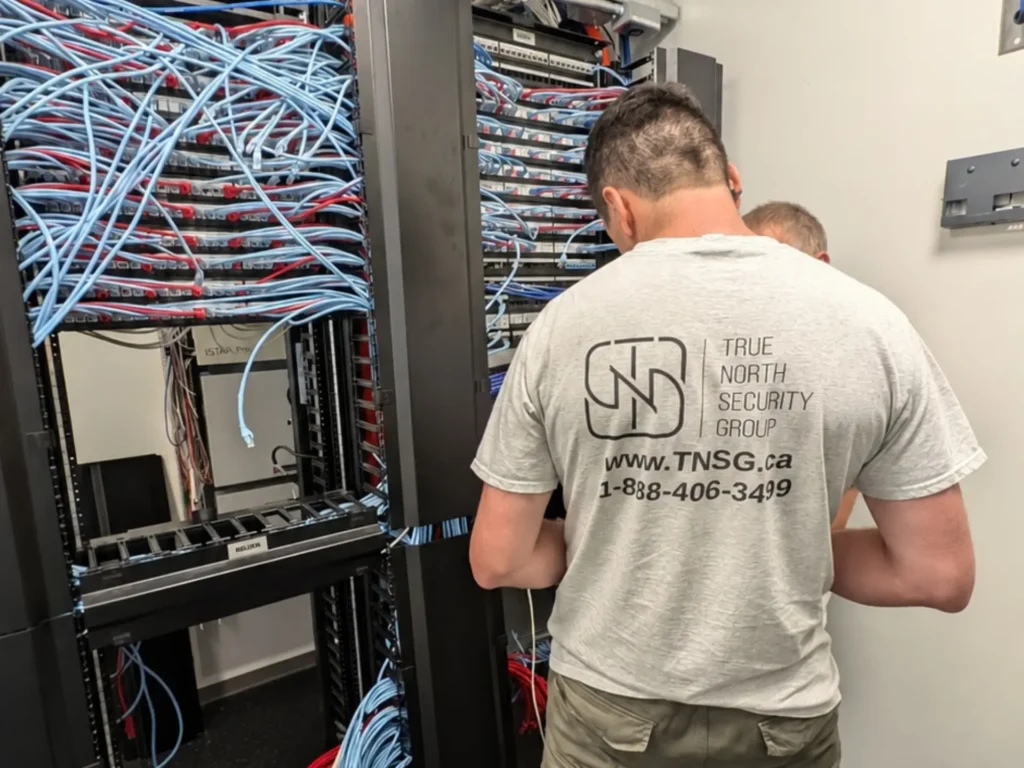
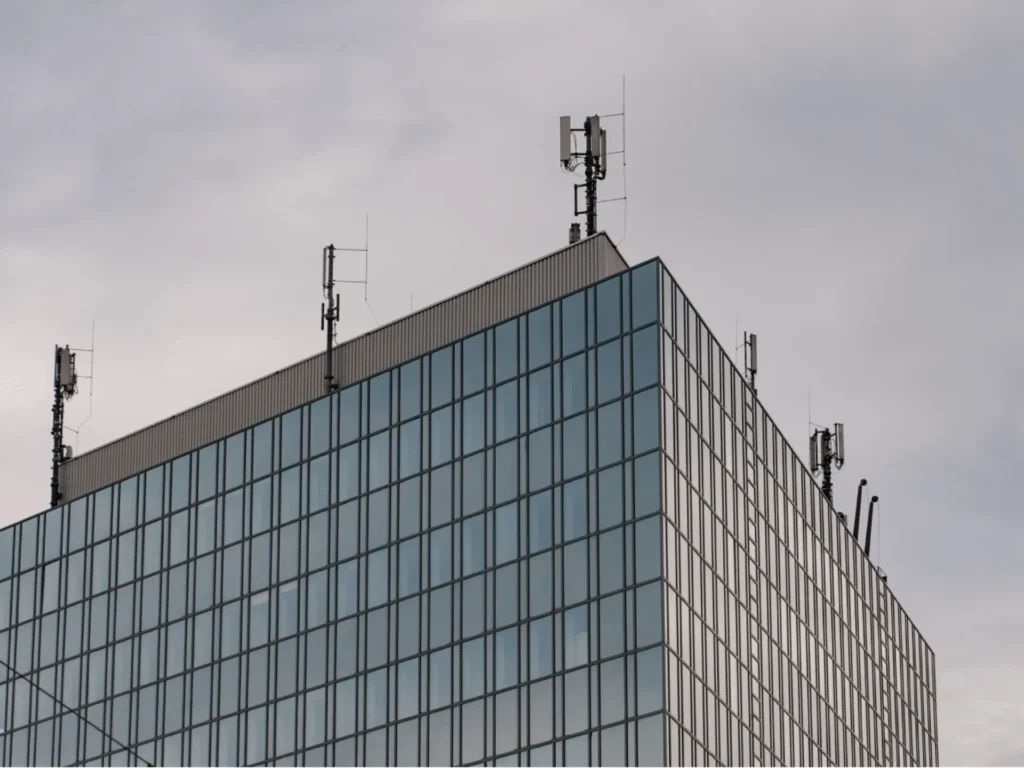
A reliable network is more than an internet connection. It is the physical and logical foundation that connects security devices, voice and data systems, wireless equipment, workstations, building technology, and the hardware managing them.
True North Security Group designs network infrastructure so each connection has a clear purpose, appropriate capacity, and a practical path back to the equipment that supports it.
Organized copper cabling creates stable wired connections for cameras, access devices, workstations, phones, and controls.
Fibre links move high data volumes between distant areas, buildings, network rooms, and equipment zones.
PoE carries network data and device power together, reducing local power requirements at endpoint locations.
Managed switches direct traffic, support segmentation, provide PoE capacity, and connect devices with predictable performance.
Planned wireless coverage supports mobile and connected devices where wired connections are impractical or unnecessary.
Labelled racks and patch panels keep infrastructure organized, traceable, serviceable, and ready for future expansion.
The right network is designed around the devices you need to connect, the building they operate in, and the traffic they generate. A small property with several cameras has very different requirements from a warehouse, condominium, office, or multi-building commercial site.
TNSG evaluates the endpoints, cable routes, distances, power requirements, environmental conditions, and expected expansion before deciding how the infrastructure should be built.
Modern security equipment increasingly communicates over IP networks, but that does not mean every device should simply be connected to the same switch and left there. The infrastructure has to carry different types of traffic, deliver sufficient PoE power, keep important devices reachable, and separate systems where appropriate.
When the network is planned as part of the security design, cameras, access control, alarms, remote services, and management platforms can work together without forcing unrelated systems into one unmanaged environment.
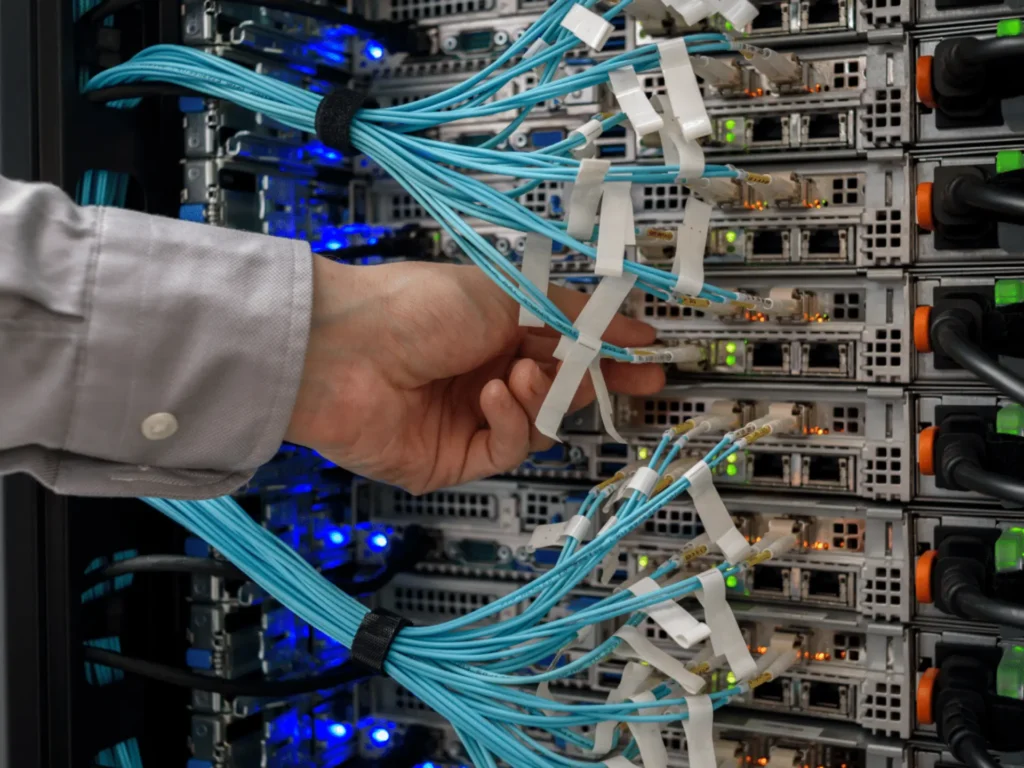
Network infrastructure often remains in a building far longer than the devices connected to it. Understanding cable type, testing, addressing, internet dependence, and installation conditions helps you avoid infrastructure that works today but becomes difficult to maintain or expand later.
Both can be appropriate, and the better option depends on what the cabling will support. Cat6 is sufficient for many standard business, residential, and security connections, while Cat6A provides greater headroom for 10 Gigabit Ethernet over the full standard channel length and can be useful for higher-density or higher-power installations. Cat6A is also physically larger, which affects conduit space, termination, and installation cost. The cable category should therefore be selected from the required performance, PoE load, route length, cable density, and expected life of the installation rather than simply choosing the highest category available.
Often yes, but the label printed on the cable is only one part of the decision. Existing cable should be evaluated for its category, physical condition, terminations, route, length, previous modifications, and actual link performance. A cable that appears intact can still have termination or performance problems that only become visible during testing. Reusing suitable infrastructure can make sense, while questionable runs are better identified before new cameras, access devices, or network equipment depend on them.
Not necessarily. A properly designed local network can continue carrying traffic between IP cameras, recorders, controllers, and other local equipment even when the property’s internet connection is unavailable, provided those devices and the network hardware still have power. Internet-dependent functions such as cloud services, remote viewing, off-site monitoring, or external notifications may become unavailable until connectivity returns. Where those functions are critical, internet redundancy or another supported communication path can be considered separately from the local network itself.
Professional testing goes beyond confirming that two ends of a cable are connected. Depending on the project, copper links can be checked for wiring, length, signal performance, loss, crosstalk, and compliance with the required cable category, while fibre requires its own testing methods. Results should correspond to identifiable cable labels so a failed or questionable run can be located later. Proper testing is especially valuable before ceilings close, equipment is commissioned, or an existing structured cabling system is accepted for reuse.
Yes, the cable and installation method have to suit the space through which the cabling travels and the requirements applicable to that project. Ceiling spaces, plenums, shafts, conduits, exposed areas, and other pathways can require different cable construction or flame and smoke performance. The correct choice therefore depends on the building and cable route rather than using the same jacket type everywhere. Network cabling installation should be planned with current Ontario building, fire, electrical, and project-specific requirements in mind.
They need predictable addressing, but that does not necessarily mean manually assigning a permanent static address to every device. Cameras, recorders, controllers, servers, and other managed equipment can use static addressing or centrally managed DHCP reservations depending on the architecture and manufacturer requirements. DHCP reservations can simplify administration while still keeping important devices at known addresses. The addressing method should also fit the client’s existing IT policies when security equipment is being added to an established business network.
Network cables should not simply be bundled alongside electrical conductors without considering the pathway and environment. Power wiring and electrical equipment can introduce electromagnetic interference, while applicable installation requirements can also affect separation and routing. In electrically noisy environments such as industrial facilities, the design may call for different pathways, appropriately selected shielded cabling, or fibre rather than conventional copper. These conditions are best identified during the site assessment rather than after unstable connections appear.
A well-organized installation should leave enough information for another qualified technician to understand what was built. Depending on the project scope, that can include cable identifiers, patch-panel and switch-port assignments, test results, rack layouts, fibre links, equipment locations, network segments, and relevant configuration records. Larger installations may also require updated drawings or an as-built record showing changes made during construction. Good documentation shortens future troubleshooting and makes additions or equipment replacement far easier.
Security technologies are often more effective when they work together. Depending on the property and the risks involved, this solution may be combined with other systems.
A single technology may address one part of a security challenge, but effective protection often depends on how different systems, property conditions and operational needs work together. Explore our comprehensive security services for a broader approach to planning, improving or evaluating your property.
Tell us about the property, your current concerns and what you would like to improve. Our team will review the details and help determine the most appropriate next step, whether you need a new system, an upgrade or a professional assessment.
For technical support with an existing TNSG system, please visit our Help Center.