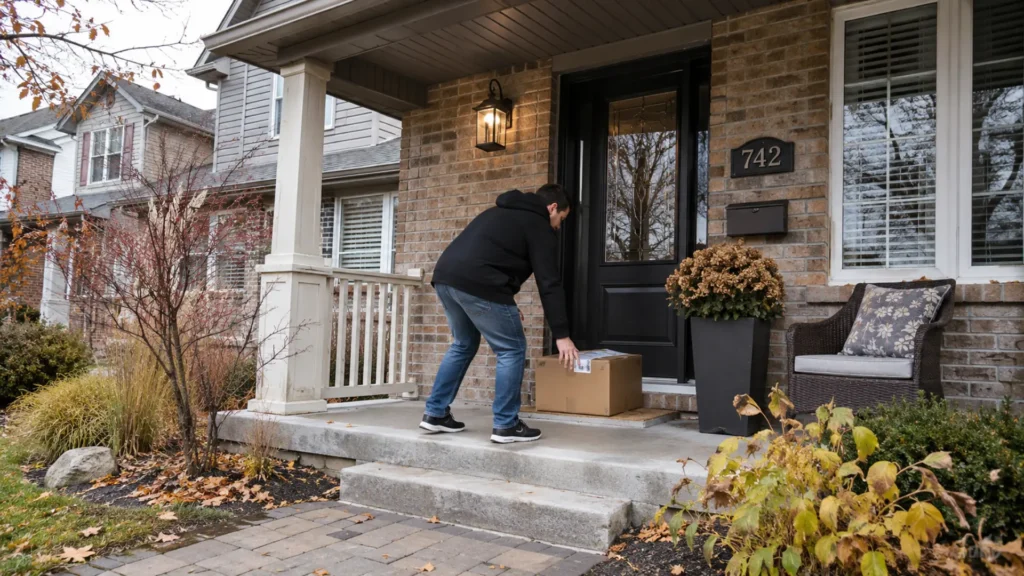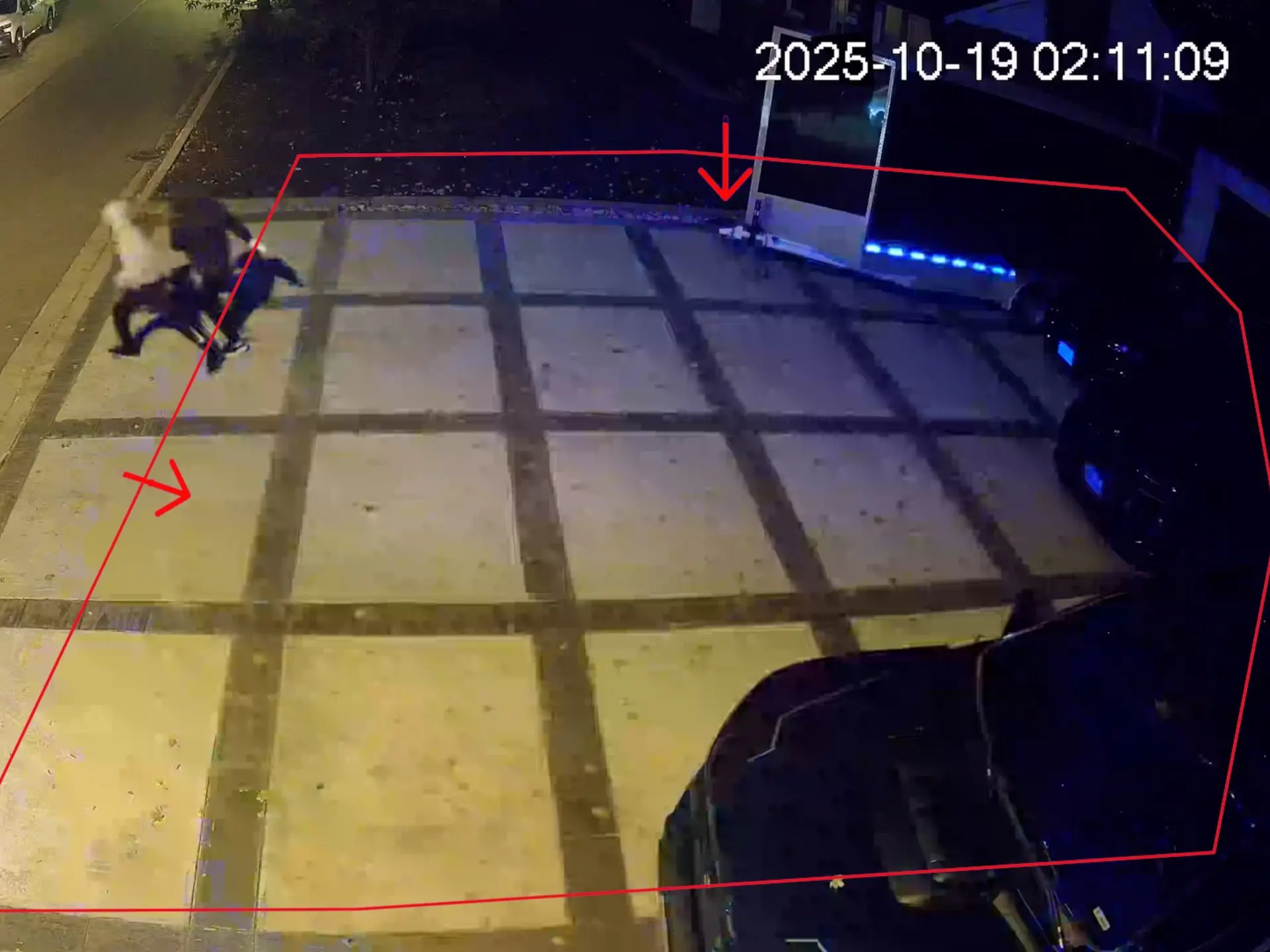
Imagine that your camera detects someone approaching a locked garage overnight. A warning light flashes, a siren sounds and a notification reaches your phone, but you do not see it until morning. The equipment worked as programmed, yet nobody checked what happened after the warning.
Many property owners assume that intelligent detection, a siren and smartphone access add up to a monitored security system. They can provide valuable protection, but they do not necessarily provide independent assessment of an event. Understanding the difference between active deterrence and live video monitoring helps you decide who should act when a camera detects something unexpected.
Recording, Deterrence and Monitoring Serve Different Purposes
CCTV records activity for live viewing or later investigation. Active deterrence automatically issues a warning when a configured rule is triggered, while live video monitoring organizes the assessment of selected camera feeds or events and any agreed response. These functions can operate independently or together, depending on the equipment and service arrangement.
Two cameras can look identical while performing different tasks. One might activate a siren when someone crosses a virtual line, while another sends footage to a monitoring operator for review. What changes is not only the camera hardware, but also the handling of events after detection.
Opening a camera feed through a phone app is useful remote access, not professional monitoring by itself. If you manage your own alerts, you also decide when to open them, whether activity appears concerning and whom to contact. A professionally monitored system assigns some of those tasks to a monitoring service within the limits of your chosen plan.
What Active Deterrence Cameras Actually Do
An active deterrence camera responds visibly or audibly to selected activity rather than relying entirely on later review. Compatible models may combine analytics, warning lights, speakers and notifications. This can be useful near restricted entrances or closed perimeter areas where ordinary movement is predictable.
Smart Detection and Automatic Warnings
Basic motion detection reacts to image changes caused by people, branches, headlights or animals. More advanced analytics can classify people and vehicles before triggering an event. Dahua’s SMD 3.0 (Smart Motion Detection 3.0), available on compatible devices, helps filter some irrelevant motion alerts, but it cannot determine whether the detected person is authorized.
Compatible cameras may activate flashing red and blue LEDs, white lights, a siren or a prerecorded announcement. Detection zones and virtual tripwires let you decide which activity should produce that response. The warning can make someone aware that activity was detected, but it cannot guarantee they will leave or prevent an incident.
Image Quality, Night Vision and Communication
An 8MP or 4K camera can capture fine detail, but resolution is only one factor in a usable image. The CMOS sensor, lens, viewing angle, lighting and distance also matter. A wide image may reveal less useful detail at a distant gate than a carefully framed view of the entrance. That principle applies to CCTV installation generally, not only to cameras with active deterrence features.
Starlight-type imaging can preserve colour in low light when some ambient illumination remains, whereas infrared usually produces black-and-white footage. On supported models, Dahua’s Smart Dual Light uses infrared at night and activates visible warm light when a target appears. This helps capture colour details when needed without keeping visible lighting on continuously.
Some models offer two-way audio so an authorized user can speak through a built-in speaker while watching the scene. That can help manage an unexpected visitor, although someone must be available unless audio intervention is part of a separate service. An IP67 enclosure is dust-tight and rated for temporary water immersion under test conditions, but the camera’s temperature specifications and exposed connections still need separate consideration for Ontario winters.
Scheduling and User Control
Warning sounds that are useful overnight can disrupt normal activity during operating hours. Supported cameras can use schedules, zones and detection settings to change when a warning activates. Disabling a siren does not necessarily disable video recording or notifications, although the exact behaviour depends on the equipment.
Consider a side entrance used by staff until early evening and then closed overnight. You might keep video recording throughout the day but enable a visible warning only after authorized traffic has stopped. This kind of control makes active deterrence a practical security function rather than simply a camera fitted with flashing lights.
What Professional Live Video Monitoring Adds
Professional live video monitoring is distinguished primarily by who assesses a detected event. A monitoring service receives selected video feeds or alerts and handles them through an agreed process. Depending on the plan, that process can include operator review, notifications and remote intervention rather than simply sending every alert to your phone.
Event Assessment
Analytics can flag a person near a restricted gate or a vehicle arriving outside expected hours. Operators may watch designated feeds continuously, work within scheduled periods or review footage only when an event is raised. Professional security camera monitoring does not necessarily mean that every feed has a dedicated person watching it constantly.
Human Judgment and Response
Operators can compare the video with site access rules, expected traffic and the instructions you provide. A vehicle at a loading entrance after closing could be an approved delivery, although the footage alone might not settle that question. Depending on the monitoring agreement, staff can communicate through supported audio equipment, notify a contact or escalate the event.
Less Dependence on Your Availability
With an appropriate plan, you need not personally evaluate every monitored event. You can still access footage and receive reports, while selected checks are handled through the monitoring service. The agreement should specify monitored areas, coverage hours, response procedures and circumstances that still require your attention.
Active Deterrence vs Live Monitoring: Key Differences
Active deterrence asks when equipment should warn someone automatically, while live monitoring asks how an event should be evaluated and handled. Either can be valuable for the right purpose, and neither replaces the other by default. Their operational differences become clearer when you compare the same criteria.
| Consideration | Active Deterrence | Live Video Monitoring |
|---|---|---|
| Primary role | Issue an automatic warning after a defined trigger | Assess selected video or events and follow response procedures |
| How it responds | Lights, siren or voice message on compatible equipment | Operator review, notifications or intervention according to the plan |
| Understanding context | Classification and programmed rules, with limited understanding of intent | Human assessment may consider site activity and authorized access |
| Owner involvement | Owner may need to review alerts and decide on next steps | Selected checks can be delegated to a monitoring service |
| Main limitations | Nuisance activations, missed detections and no independent follow-up | Depends on video access, service coverage and agreed response options |
| Typical costs | Cameras, installation, configuration and maintenance | Integration, service setup and potentially recurring monitoring fees |
Active deterrence may be sufficient at a rarely used entrance where an automatic warning is appropriate. Monitoring can help when activity needs context before a response is selected. A monitoring service cannot operate a camera’s siren or speaker unless the necessary hardware, integration and permissions support that action.
How Property Conditions Change the Right Choice
One Warehouse, Three Operating Conditions
Condition A: The warehouse closes in the evening. A narrow side passage is locked and should not receive deliveries after business hours, making activity there relatively unusual. A camera that activates a visible or audible warning after a person crosses a designated line could be suitable, while footage remains available for review if the alert is missed. Recording could continue during the day even when the automatic warning is disabled.
Condition B: The warehouse operates around the clock. Forklift operators, cleaners, drivers and contractors move between areas on different schedules, so sounding a siren whenever a person appears could interfere with legitimate work. Event-based monitoring may be more useful at selected access points, particularly if operators can assess an alert against an agreed schedule and authorized vehicle movements. That requires up-to-date information about permitted deliveries and access arrangements.
Condition C: The warehouse has separate entrances and storage areas. A restricted rear fence could use automatic deterrence, an active delivery gate could benefit from event verification, and an interior aisle might need reliable recording without an audible response. A single site can therefore use three approaches at once, with the rules for each area based on its activity and importance. The number of cameras alone would reveal very little about how this configuration should work.
These conditions illustrate why a warehouse should not automatically receive one standard security package. The decision also depends on access controls, neighbouring properties and who can respond if suspicious activity continues. A review of the commercial security system can clarify which functions belong in each area.
A Home With Different Daily Routines
At a detached home, the driveway may receive regular family vehicles while a side walkway rarely sees visitors. A siren at the driveway could create unnecessary disturbances, but a scheduled warning along the side passage might make sense. The garage may need reliable recording without activating an alarm whenever someone approaches.
Your routine matters as much as the property layout. If you travel frequently or cannot assess overnight notifications, monitoring selected cameras may be worth considering. If you already handle alerts comfortably, adding operator review to every feed may be unnecessary.
A Construction Property That Keeps Changing
At a construction site, a gate used by trades one month may become a storage entrance the next. Camera views can be interrupted by scaffolding, temporary fencing or equipment movement, and access schedules may shift as the project progresses. Any active warnings or monitoring rules need to be reviewed as those conditions change rather than carried forward unchanged.
An isolated equipment area might justify a deterrent warning outside scheduled hours, while a busy shared entrance may be better suited to event review. Temporary power, dependable connectivity, camera mounting and lighting can be more significant constraints than the number of cameras on a proposal. When those basics change, the monitoring and deterrence strategy must change with them.
When a Hybrid Video Security System Makes Sense
A hybrid video security system combines recording, automatic warnings and professional assessment where each serves a defined need. It does not require two cameras at every entrance or monitoring on every feed. Compatible cameras can sometimes support both functions, while other installations need separate hardware or software connections.
Consider a commercial site with a rear perimeter that closes at night and a gate that still receives authorized deliveries. Automatic warnings could cover the closed area, while activity at the gate is referred for review. Interior cameras might only record, preserving useful footage without generating unnecessary alarms.
Compatibility matters because camera features do not always work across different platforms. Confirm whether existing cameras, recorders and monitoring software can share events, video and remote controls. Different zones also need consistent schedules, permissions and response instructions, or a hybrid system may produce conflicting alerts.
What to Check Before Choosing Equipment
Before comparing products, decide what activity needs attention and what should happen when it occurs. A request for an “AI camera” may really mean better recordings, fewer irrelevant alerts, an automatic warning or operator review. Naming the desired result makes proposals easier to assess and prevents unnecessary features from driving the decision.
- Activity and timing: Identify the entrances, behaviours and hours that justify an alert.
- Type of intervention: Decide where automatic warnings make sense and where a situation should be checked first.
- Responsibility for alerts: Establish who receives notifications and who takes the next step.
- Existing equipment: Confirm which cameras, recorders and network components can support the intended configuration.
- Operating obligations: Consider installation, connectivity, maintenance, privacy and recurring service costs.
Camera angle, viewing distance, lighting, stable power and network access affect both approaches. For businesses, the Office of the Privacy Commissioner of Canada provides guidance on overt video surveillance in publicly accessible areas, including notices, camera placement and secure handling of recordings. Separate rules may apply to employee monitoring, including Ontario’s written electronic monitoring policy requirements for employers with 25 or more employees.
Choosing the Right Security Approach
Active deterrence and live monitoring are related functions rather than interchangeable products. One can warn automatically when a defined event occurs, while the other can support assessment and follow-up under an agreed plan. Your property may benefit from either approach or from a carefully chosen combination.
If you are reviewing an existing system or planning an installation, True North Security Group can help assess the site’s conditions and the response you need. Explore our live video monitoring services to consider when professional oversight might complement your existing cameras. The useful starting point is what you need the system to do, rather than the number of features on the camera box.